Open‑E Technical Solutions
Cloud & Hybrid Data Storage
Share, synchronize and protect your data using cloud infrastructure, utilizing a data storage solution ready and optimized for the cloud environment.
Data Storage for Virtualization
Simplify, enhance and reduce operational costs of your storage environment with data storage software that works well with the VMware, Citrix, and Microsoft virtualization platforms.
Ransomware-Proof Data Storage
Protect your business against the effects of ransomware attacks thanks to frequent snapshots and advanced retention plans.
NAS filers & SAN
Keep your data centralized and easy to store while having the ability to search and share information throughout the organization with the massive capacity file (NAS), or block (SAN) data storage filers.
iSCSI Solutions
Create a high-performing, cost-effective and secure iSCSI data storage solution connected via Ethernet.
Fibre Channel (FC) Solutions
Create a reliable, high-performing, and low?latency FC data storage solution with software brought to you by Open?E that simplifies configuration processes and maintenance tasks.
Open‑E Solutions for Market Segments
Education
Check the data storage solutions page for academic, research and educational institutions.
Media & Entertainment
Check the data storage solutions page for film studios, record labels, creative agencies, media companies, video game developers, and more.
Government & Public
Check the data storage solutions page for the local administration, military & police agencies, tax offices, and other government institutions.
Data Centers
Check the data storage solutions page for data center and IT service providers.
Hospitals & Healthcare
Check the data storage solutions page for both public and private hospitals, as well as other healthcare service providers.
CCTV & Surveillance Cameras
Check the data storage solutions page for CCTV and monitoring camera systems
Check out our latest information
 Blog
Blog
Why SAN Data Storage is a Great Choice for Virtualization
Let’s be honest, true IT experts don’t build systems to meet minimum requirements – we build them to withstand the worst-case scenario while delivering peak performance. When it comes to …
 Blog
Blog
How to Ensure Data Sovereignty with On-Premises Data Storage
Executive Summary What Is Data Sovereignty Data sovereignty is essentially about who owns the data and the IT infrastructure, and what measures are taken to ensure it stays safe and …
 News
News
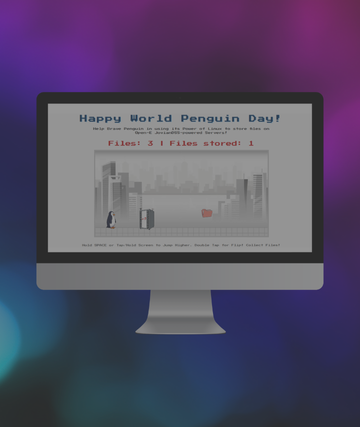
Celebrate World Penguin Day 2026 with Open-E
Celebrate World Penguin Day with Open-E and protect your data in our exclusive interactive challenge.
 Case Study
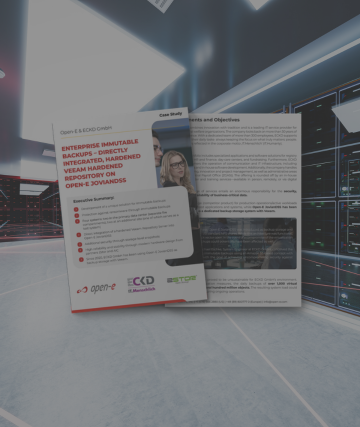
Uncompromising Security: ECKD’s Path to Immutable Backups
Learn how ECKD GmbH, a leading IT service provider for church and welfare organizations, eliminated backup vulnerabilities by pioneering a directly integrated Veeam Hardened Repository.
Want to Learn More?
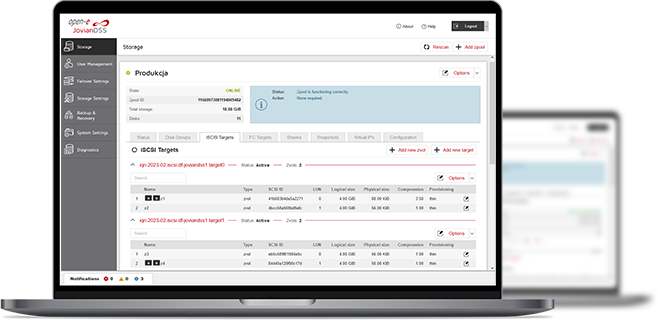
3-in-1 Complete Data Storage Solution
Accelerate Your Data Storage with ZFS-based Storage System

Find the Exact License for Your Storage Setup
This calculator helps you to find the exact license required for your storage setup with Open-E JovianDSS, based on your individual specification.
Enter the configuration of your choice into the calculator and generate a PDF report.
Open-E Library